





Accessing The Parent Hub
The Parent Hub is our online portal for parents and carers. It’s available to parents and carers of full-time learners aged 18 or under at the start of the academic year.
The Parent Hub allows you to keep track of your young person’s attendance and punctuality, timetable, progress reviews, assessment results, targets and exam entries.
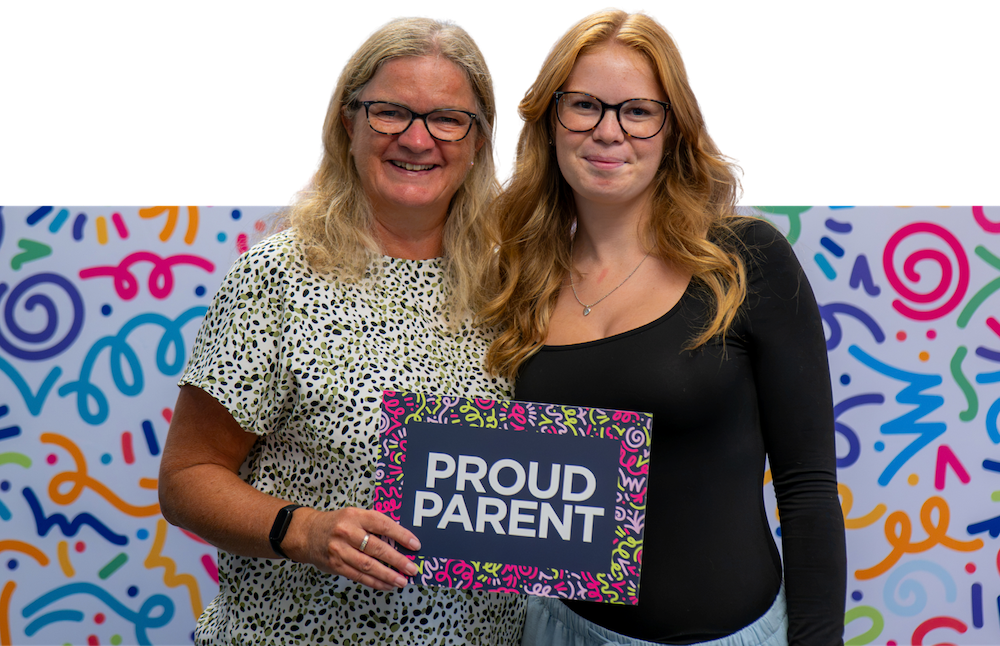
How to Register for Access to the Parent Hub
Your young person will need to give you access to the Parent Hub.
Your young person logs in to OnTrack Learner Hub: https://applications.weston.ac.uk
They select their profile photo in the top-right corner, then choose Access Permissions.
They select Add a New Contact and complete the four required fields, including your mobile number.
They tick the permission box and select Save.
Once your young person has added you, our Administration team will check and confirm your account. You’ll then receive an email from Weston College inviting you to access Parent Hub.
PARENT AND CARER GUIDE
This guide explains what to expect during your young person's time at Weston College, how we'll keep in touch, and where to find support.
READ THE GUIDE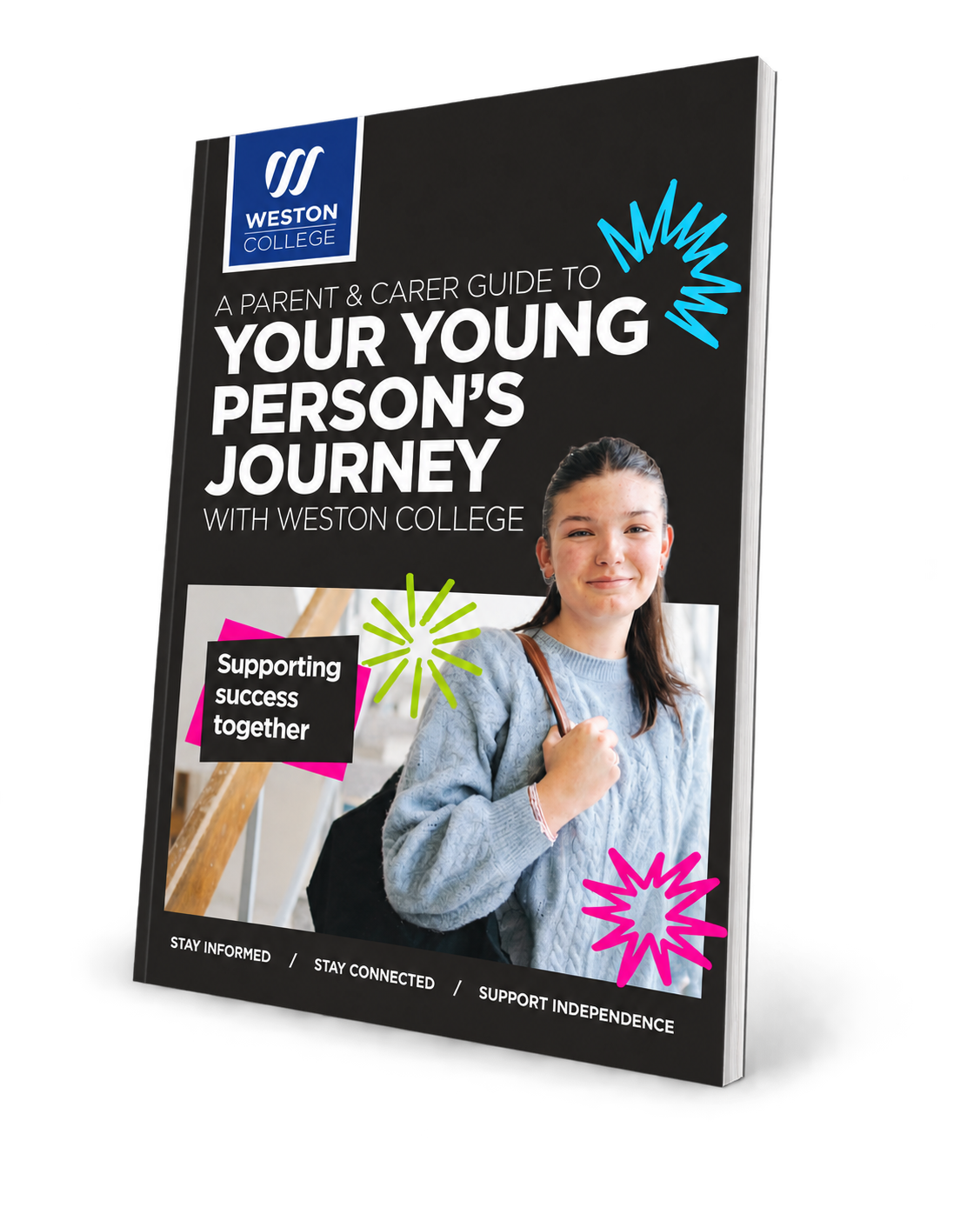
Key Information for Parents and Carers
Term Dates
College Handbook for Learners
Reporting an Absence
Travelling to College
Safeguarding
Welfare and Wellbeing
Careers and Employability Support
Financial Support
Letter from our Deputy Principals
FAQs
Once your young person adds you as a contact, a member of our Administration team needs to confirm the account. This helps prevent duplicate accounts from being created.
You’ll receive an email inviting you to access Parent Hub as soon as the account has been confirmed.
If you’ve forgotten your password or entered it incorrectly too many times, you can reset it from the login screen.
Click Forgotten Password and enter the email address you used to create your account. You’ll then receive an email with a link to reset your password.
Your Parent Hub access is managed by your young person, so they can update or remove your permissions at any time.
If you previously had access but can no longer view your young person’s information, please speak to them. They will need to re-enable your access through the Learner Hub.
